Productivity apps are supposed to help you get things done.
But somewhere between the free trial, the premium upgrade, and the carefully designed dashboard, it's easy to spend more time managing productivity software than doing the work itself.
A task manager promises better organization. A notes app offers a second brain. A project platform promises to bring everything together.
Before long, you may be paying for three different tools that all claim to simplify your life.
So which are the best productivity apps in 2026, and when is paying for one actually worthwhile?
The answer depends less on which app has the longest feature list and more on the work you need it to do.
This guide looks at established productivity tools, including Todoist, TickTick, Notion, Microsoft To Do, Apple Reminders, Things 3, Obsidian, and Trello.
Rather than inventing a universal ranking, we'll compare where these apps fit, what free tools can already accomplish, and which situations may justify paying more.
Editorial note: App features, pricing, platform availability, and subscription terms can change. Check the linked official product pages before purchasing. This guide is a practical comparison, not a claim of firsthand testing of every app.
The Quick Answer: Most People Should Start Free
If your main goal is to remember appointments, organize household tasks, maintain a shopping list, or track a few personal projects, you probably don't need an expensive productivity subscription.
Built-in tools and free plans can handle many of those jobs.
Premium apps become more interesting when they solve a recurring problem that simpler tools cannot handle comfortably.
That might mean better project organization, more flexible task views, advanced collaboration, or a workflow that saves meaningful time every week.
The important distinction is between features that look impressive and features that improve your actual routine.
A good productivity app should make it easier to answer three questions:
What do I need to do?
Where is the information I need?
What deserves my attention next?
If your current system already answers those questions reliably, upgrading may not improve much.
Best Productivity Apps for 2026: Eight Worth Considering
The following apps are established products with different strengths. These are use-case recommendations, not performance rankings based on a controlled test.
App | Best starting use case | Cost approach to evaluate | Main consideration |
|---|---|---|---|
Todoist | Personal and shared task management | Free and paid offerings | Whether advanced task features justify upgrading |
TickTick | Tasks with additional planning features | Free and premium offerings | Whether you need its broader planning tools |
Notion | Documents, notes, and connected project information | Free and paid offerings | Setup and maintenance effort |
Microsoft To Do | Straightforward task lists | Free access | Whether simple lists are sufficient |
Apple Reminders | Everyday tasks on Apple devices | Built into Apple's ecosystem | Whether Apple-centered access meets your needs |
Things 3 | Personal task management on Apple devices | Paid app purchases | Whether the Apple-focused experience suits you |
Obsidian | Personal knowledge management and linked notes | Free core use with optional paid services | Whether local-file organization fits your habits |
Trello | Visual project boards | Free and paid offerings | Whether board-based organization matches your work |
The details of each app's current plans and supported features should be checked on its official website.
Todoist: A focused task manager
Official website: https://www.todoist.com/
Todoist is a reasonable app to consider if your main problem is keeping track of tasks across personal and professional responsibilities.
Its task-focused approach makes it relevant for recurring responsibilities, projects, and shared work.
For someone who already uses a basic checklist successfully, the question is whether Todoist offers enough additional value to justify adopting another system.
Its paid offerings are most relevant when specific advanced capabilities solve a recurring limitation.
Don't upgrade merely because your task list looks more sophisticated with extra features.
Best fit: People who want a dedicated task-management system.
Think twice if: A simple reminders app already handles everything you need.
TickTick: Tasks with a broader planning approach
Official website: https://ticktick.com/
TickTick is another established option for people who want to organize tasks and manage their daily routines.
Its broader planning approach may appeal to users who prefer related productivity functions within one environment.
That can be convenient, but combining features isn't automatically better.
A feature you rarely use is still another setting, screen, or notification to manage.
Compare the actual capabilities available in the current free and premium plans before deciding.
Best fit: People who want task management alongside additional planning tools.
Think twice if: You prefer a simpler system with fewer features.
Notion: Flexible documents and connected workspaces
Official website: https://www.notion.com/
Notion approaches productivity differently.
Rather than focusing only on individual tasks, it provides a flexible workspace for documents, notes, databases, and project information.
That makes it worth considering when your work involves organizing several related kinds of information.
But flexibility has a cost.
You may need to decide how pages, databases, and workflows should be structured. A highly customized workspace can become something you must maintain.
Before adopting Notion, ask whether you need a connected information system or simply a reliable place to store notes.
Best fit: People managing connected documents, project information, and shared knowledge.
Think twice if: You mainly need a shopping list and a few reminders.
Microsoft To Do: A practical starting point
Official website: https://to-do.office.com/
Microsoft To Do is worth evaluating before paying for a dedicated task manager.
For ordinary personal tasks and lists, a straightforward tool may be enough.
It can be particularly relevant to people who already use Microsoft services.
Its biggest advantage in this comparison isn't that it necessarily has every advanced feature.
It's that you may be able to solve your task-management problem without adding a paid subscription.
Best fit: People who want simple task lists and an uncomplicated starting point.
Think twice if: You need sophisticated project-management features or specialized workflows.
Apple Reminders: An obvious option for Apple households
Official information: https://www.apple.com/ios/reminders/
Apple Reminders deserves serious consideration if you already use an iPhone, iPad, or Mac.
It's easy to overlook software that comes with your devices because it doesn't feel like a new purchase.
But that can be an advantage.
You don't have to adopt an unfamiliar platform simply to keep track of routine tasks.
For personal reminders, household lists, and everyday planning, check what the built-in app can do before shopping for a replacement.
Best fit: People who primarily use Apple devices and want straightforward task management.
Think twice if: Your household or team needs a different cross-platform arrangement.
Things 3: A dedicated Apple-focused task manager
Official website: https://culturedcode.com/things/
Things 3 is a useful example of a different purchasing model.
Rather than evaluating only monthly subscriptions, buyers should also consider paid applications that use app purchases.
Things is designed around personal task organization within the Apple ecosystem.
Its appeal is not that every person needs another task manager.
It's that some users may prefer a focused application with a particular approach to organizing projects and next actions.
Check current device-specific purchase requirements, supported platforms, and upgrade terms before buying.
Best fit: Apple users who value a dedicated personal task-management experience.
Think twice if: You need broad non-Apple compatibility or are satisfied with Reminders.
Obsidian: A different approach to personal knowledge
Official website: https://obsidian.md/
Obsidian is primarily a note-taking and knowledge-management application rather than a conventional task manager.
Its local-file-oriented approach makes it relevant for people who want more direct control over their notes and how they're organized.
It can be useful for writing, research, and building connections between ideas.
But it may be unnecessary for someone who simply wants to remember appointments.
Also consider how you plan to synchronize and back up your information. Optional services and different synchronization methods have their own trade-offs.
Best fit: People maintaining a substantial collection of personal notes and research.
Think twice if: You need only basic lists or prefer a fully managed workspace.
Trello: Visual organization for projects
Official website: https://trello.com/
Trello is built around visual boards and cards.
That makes it worth considering when work moves through recognizable stages, such as ideas, planned tasks, work in progress, and completed items.
A visual board can make shared project status easier to understand.
But it isn't automatically the best way to manage every kind of work.
A board with too many cards and columns can become as difficult to maintain as a complicated spreadsheet.
Best fit: Individuals and small teams who prefer visual project tracking.
Think twice if: Your work is mostly a short personal task list.
Best Free Productivity Apps: What Can You Do Without Paying?
The best free productivity apps are often the ones you already have access to.
Before comparing premium plans, try organizing your routine with a basic set of tools.
For example:
Use Apple Reminders or Microsoft To Do for personal tasks.
Use your existing calendar for appointments and time-specific commitments.
Use a basic notes app for reference information.
Consider the free offering of a dedicated tool when your needs go beyond simple lists.
This arrangement won't look especially impressive in a productivity video.
That's fine.
A system should be judged by whether it works, not how elaborate it appears.
When a free plan is enough
A free option is likely sufficient when:
You manage a relatively small number of personal projects.
You don't need advanced reporting or automation.
You rarely collaborate on complex tasks.
You can find important information without difficulty.
Your current system doesn't require excessive manual maintenance.
Free software isn't automatically inferior.
Sometimes its limitations encourage a simpler and more sustainable workflow.
When free becomes inconvenient
A paid plan may be worth considering if a limitation repeatedly interrupts important work.
For example, you might need a particular collaboration feature, additional organizational capacity, or a specific integration.
But distinguish between a real limitation and a feature you merely find attractive.
If you haven't encountered the problem yet, you may not need to pay to solve it.
Best Productivity Apps for iPhone: Start With the Device in Your Pocket
For iPhone users, the most sensible starting point is often Apple Reminders.
It is already part of the ecosystem and may cover routine task management without additional software.
If you need a more specialized approach, Todoist, TickTick, or Things may be worth evaluating, subject to their current iPhone support and feature availability.
The decision depends on your habits.
Choose simplicity when:
You primarily need shopping lists, recurring reminders, personal tasks, and household organization.
Consider a dedicated task app when:
You manage numerous projects, prefer a particular organizational structure, or need features that your current tool doesn't provide comfortably.
Check the entire workflow
An iPhone app shouldn't be judged only by how it looks on a phone.
Consider how you'll use it when working at a computer.
Can you access your information where you need it?
Does it fit your existing calendar and communication habits?
Will you need to maintain duplicate lists?
The best productivity apps for iPhone should make your day easier across the places where you actually work.
Best Productivity Apps for Mac: Think Beyond the Interface
Mac users have several established options, but the right choice depends on the kind of work involved.
For straightforward tasks, Apple Reminders is a logical starting point.
For dedicated personal task management, Things, Todoist, and TickTick are worth investigating.
For extensive notes and research, Obsidian or Notion may be more relevant.
For visual project tracking, Trello may be appropriate.
The key is to avoid comparing fundamentally different applications as though they perform the same job.
A note-taking system is not necessarily a replacement for a task manager.
A project board is not automatically a better personal reminders app.
Three questions for Mac users
Does the app fit how I work?
If you spend most of the day writing and researching, information organization may matter more than elaborate task scheduling.
Does it work well with my other devices?
A Mac-focused setup may be perfectly sensible if your devices are mostly from Apple. Mixed-device households need to consider access more carefully.
Can I leave without losing my information?
Check export options and data portability before building an elaborate system around any application.
A good productivity tool should help you manage your work without making you feel trapped inside it.
What Are You Actually Paying For?

Premium productivity apps often promise more capability.
But extra capability is valuable only when you use it.
Before upgrading, separate potential benefits into three categories.
1. Features that remove repeated work
These may include integrations, automation, or more capable organization tools.
If a feature reliably eliminates a frustrating recurring step, it may justify a subscription.
But account for setup, troubleshooting, and review time.
An automation that breaks frequently can cost more attention than it saves.
2. Features that support collaboration
Shared workspaces, permissions, and team-management capabilities can be valuable when several people depend on the same information.
For individual users, those features may offer little benefit.
Don't pay for team-level complexity when your work is mostly personal.
3. Features that improve comfort and consistency
Sometimes people prefer a paid app because its design fits the way they think.
That preference can be legitimate.
A tool you enjoy using may be easier to maintain than one that feels awkward.
But this is a personal judgment, not proof that the paid app is objectively more productive.
A Better Way to Compare Productivity App Costs
Don't compare only monthly subscription prices.
Consider the total cost of using a tool.
That includes:
Subscription or purchase price
Setup and migration time
Ongoing maintenance
Additional services or integrations
Time spent correcting mistakes
Difficulty exporting your information
The cost of switching later
A low-cost app can become expensive if it requires constant attention.
A more expensive app can be reasonable if it solves a problem you encounter every working day.
The important thing is to evaluate your own workload.
A simple break-even example
Suppose a premium feature costs $6 per month and saves you 15 minutes of useful work each week.
Across four weeks, that's approximately one hour saved.
Whether that trade is worthwhile depends on what that hour is worth to you and whether the saving is real.
Those figures are illustrative, not a measured result or a current app price.
If you need to spend two hours every month maintaining the feature, the calculation changes considerably.
Time saved during use minus time spent maintaining the system is a more meaningful measure than the number of premium features unlocked.
When Premium Productivity Apps Are Worth Paying For
A paid tool is easier to justify when it solves a problem that meets three conditions.
First, the problem happens regularly.
Second, the improvement is noticeable in actual use.
Third, the benefit is worth the combined financial and maintenance cost.
For example, a freelancer coordinating several active client projects may benefit from features that a basic reminders app doesn't provide.
A small team may need reliable shared project visibility.
A researcher managing extensive notes may value a more specialized knowledge-management system.
But a person maintaining a household shopping list and a handful of weekly tasks probably doesn't need an elaborate premium workspace.
Different workloads deserve different tools.
When You Should Skip the Upgrade
There are several good reasons not to pay.
Your current app already works. Replacing a reliable system creates migration work and introduces new habits.
You haven't identified a specific limitation. Curiosity alone isn't a compelling subscription strategy.
You mostly want the feeling of being organized. A new dashboard can feel productive without changing what gets done.
The premium features require constant maintenance. Complexity can cancel out convenience.
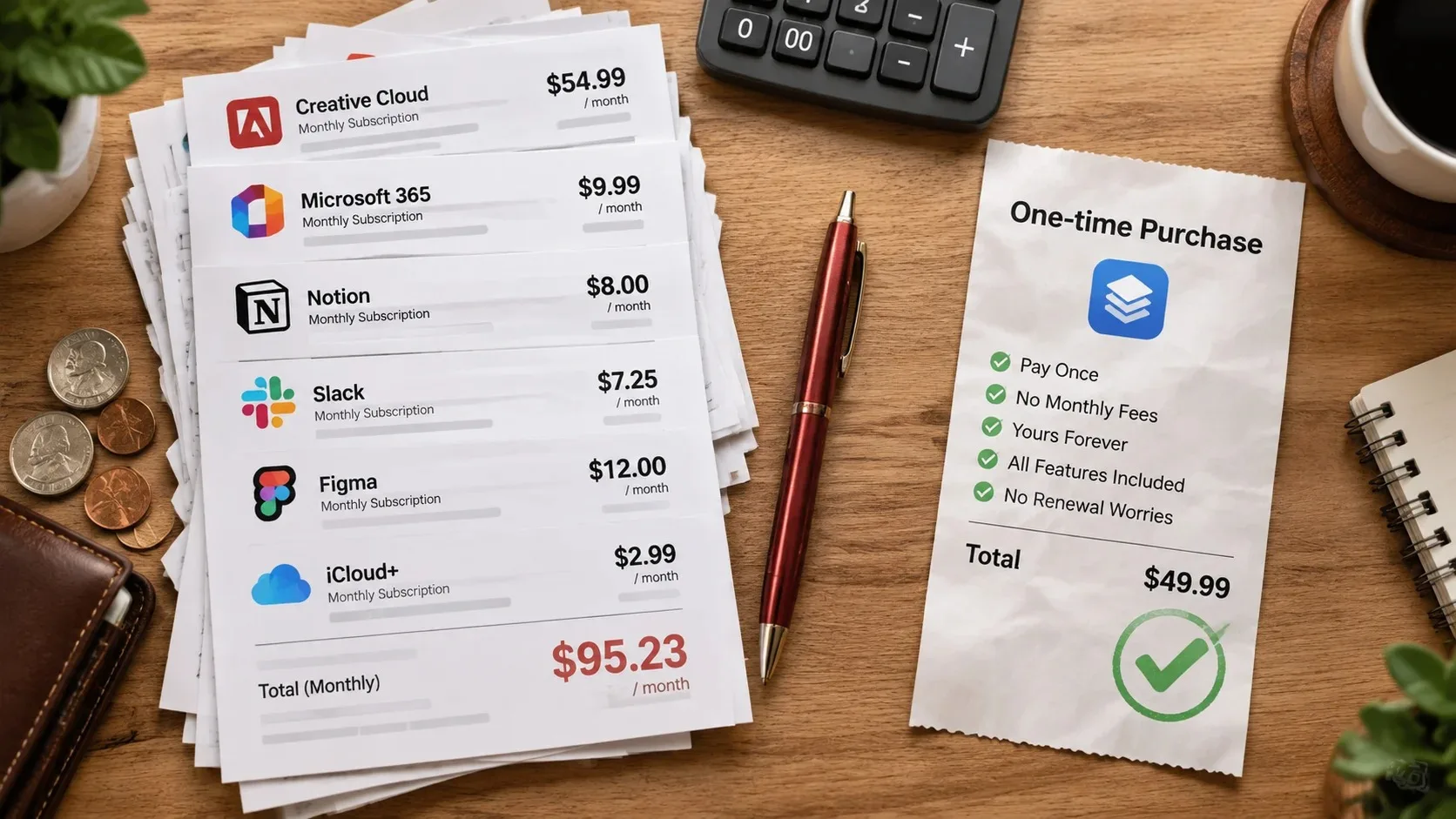
You're already paying for overlapping tools. Consolidation or cancellation may provide more value than another subscription.
If any of these describe your situation, consider improving your existing workflow first.
A Practical Two-Week App Evaluation
You don't need an elaborate productivity experiment to make a better purchasing decision.
Choose one real problem and compare your current tool with one alternative.
Days 1–3: Establish the baseline
Record the tasks you perform, where information gets lost, and what feels unnecessarily difficult.
Don't change anything yet.
Days 4–10: Try the alternative
Use the new app for a limited set of tasks.
Avoid migrating every note or project.
Pay attention to how easily you can capture information, find it again, and complete the work.
Days 11–14: Compare the results
Ask:
Did I complete tasks more reliably?
Did I spend less time organizing?
Was the app easy to use when I was busy?
Did it introduce extra notifications or complexity?
Do I need a paid feature, or would the free option suffice?
Can I export my information if I leave?
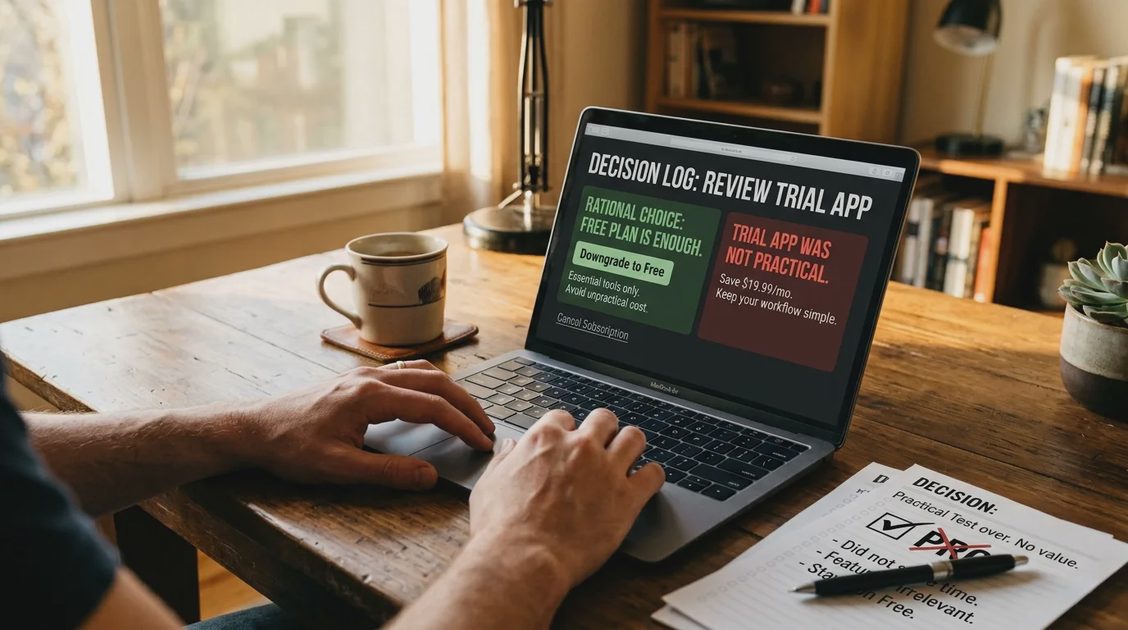
If the paid app doesn't offer a meaningful improvement, you have your answer.
Keep the simpler option.
A Sensible Recommendation for Different Users
Your situation | Where to start | When to consider paying |
|---|---|---|
Basic personal tasks | Apple Reminders or Microsoft To Do | When a specific missing feature causes recurring friction |
Dedicated task management | Todoist or TickTick | When advanced capabilities clearly improve your routine |
Apple-focused personal planning | Apple Reminders; evaluate Things | When the paid workflow fits your needs better |
Notes and personal knowledge | Existing notes app; evaluate Obsidian | When optional services or specialized capabilities are genuinely useful |
Connected documents and project information | Notion | When workspace requirements exceed the free offering |
Visual project tracking | Trello | When project or collaboration needs justify additional capabilities |
These are starting points, not a claim that one product has been proven superior to another.
A good recommendation should narrow your choices, not pressure you to buy.
Frequently Asked Questions
What are the best free productivity apps in 2026?
Apple Reminders and Microsoft To Do are sensible starting points for basic task management. Todoist, TickTick, Notion, Obsidian, and Trello are also worth evaluating based on their current free offerings and your particular needs.
Are paid productivity apps better than free ones?
Not automatically. Paid apps may offer capabilities that matter for specific workflows, but a free tool can be the better choice when it handles your work reliably with less complexity.
What is the best productivity app for iPhone?
For everyday reminders and lists, start by evaluating Apple Reminders. For more specialized task management, compare the current iPhone offerings from Todoist, TickTick, and Things.
Which productivity apps are best for Mac?
That depends on the job. Apple Reminders and dedicated task managers suit action lists, while tools such as Obsidian and Notion are more relevant to extensive notes and connected information.
Is a productivity subscription worth the money?
It can be, if a specific paid feature solves a recurring problem and its benefits exceed the price and maintenance effort. Test the workflow before committing to a long-term plan.
The Best Productivity App May Be the One You Already Have
The productivity software market offers plenty of capable tools.
That's useful, but it also makes it easy to confuse choice with progress.
A premium subscription won't automatically make your work more organized. A free app isn't automatically too limited. And a beautiful interface doesn't guarantee that you'll use it consistently.
Start with the problem.
Choose the simplest tool that solves it.
Pay for additional capabilities only when they earn their place in your routine.
The best productivity apps in 2026 aren't necessarily the ones with the most features.
They're the ones that help you finish your work without becoming more work themselves.