Most technology advice starts with the assumption that you need something new. A faster laptop. A smarter speaker. Another subscription that promises to “streamline” your life. The marketing is polished, the reviews are glowing, and the unboxing videos make it look effortless.
Here is the quieter truth I have learned after nearly a decade inside Silicon Valley product teams and several more years advising real households: the best technology purchase is often the one you walk away from.
Not because technology is bad. Because most new devices and services add friction before they remove any. They require setup time, create new notification channels, demand software updates, and eventually ask for replacement money. When the device you already own still does the job, the smartest move is usually to keep it.
This is not a minimalist manifesto. It is a practical filter for building a sensible stack—one that earns its place instead of simply occupying space.
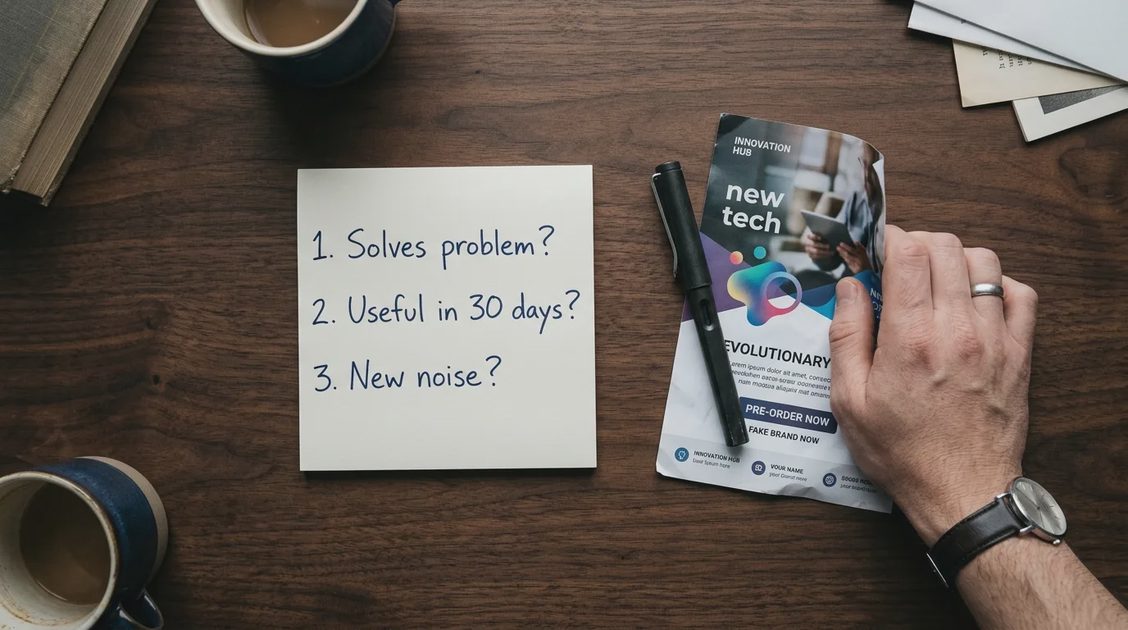
Before you buy any new gadget, subscription, or upgrade, ask three questions:
Does my current setup already solve the actual problem?
Will this new thing still feel useful after the first 30 days?
What new maintenance, cost, or digital noise does it introduce?
If the honest answers are “yes,” “probably not,” and “more than I want,” the best purchase is the one you do not make.
Why We Keep Buying Things We Do Not Need
The industry is excellent at creating urgency. Annual phone launches, “limited-time” laptop discounts, and endless AI feature announcements all push the same message: what you have is already outdated.
Three common patterns drive most unnecessary purchases:
The novelty effect: New devices feel transformative for a week or two. After that, they settle into ordinary daily use—or sit unused in a drawer.
Feature inflation: Spec sheets highlight capabilities you will rarely touch. A phone camera with more megapixels does not improve the photos you actually take of your kids on a rainy Tuesday.
Social and review pressure: Seeing other people upgrade creates the feeling that you are falling behind, even when your current tools work fine.
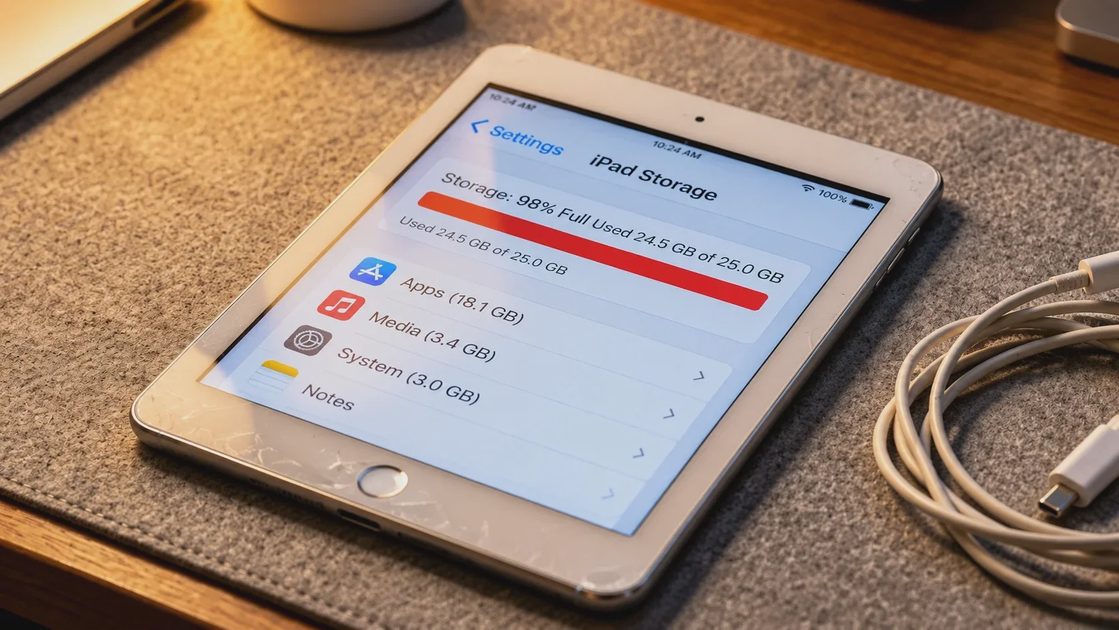
I have watched families buy a new tablet because the old one “felt slow,” only to discover the real problem was a full storage drive and a dozen unused apps. Clearing space took twenty minutes. The new tablet took an afternoon of setup, another subscription decision, and a new charging cable that now lives in a different room.
The Real Cost of an Unnecessary Purchase
The price tag is only the beginning. Every new piece of technology carries hidden costs:
Setup and learning time: Even “simple” devices require accounts, permissions, and a learning curve.
Ongoing maintenance: Software updates, battery health, compatibility checks with other devices.
Subscription creep: Many products look cheap until the monthly fee starts.
Digital noise: Extra notifications, extra apps, extra decisions about which device does what.
Replacement cycle: Cheap devices often fail sooner, pushing you back into the buying loop.
When you calculate total cost of ownership—purchase price + time + subscriptions + eventual replacement—the “bargain” frequently becomes expensive. The device you already own, if it still works, has a near-zero marginal cost.
This is why the 30-day rule exists on this site. Use whatever you are considering for a full month in real conditions before declaring it essential. Most things that feel exciting on day one lose their urgency by day thirty.
A Simple Framework: When Not to Buy
Use these five filters before any technology purchase. If two or more apply, pause.
1. Your current tool still does the job
If the laptop boots, the phone takes clear photos, and the headphones still block noise, the upgrade is optional, not necessary. “Still works” is a stronger reason to keep something than “newer exists” is a reason to replace it.
2. The problem is behavioral, not technical
Many frustrations that feel like hardware problems are actually habits: too many browser tabs, unread notifications, or files scattered across three cloud services. Fixing the habit is free and permanent. Buying a new device rarely solves the underlying mess.
3. You cannot name a concrete weekly use
If you cannot describe a specific task this product will handle at least once a week for the next six months, it is likely a novelty. “It might be useful someday” is not a use case.
4. It creates more accounts, cables, or notifications
Every new ecosystem login, proprietary cable, and permission request adds friction. Technology that reduces friction should leave your life quieter, not more complicated.
5. The cheaper or free alternative already exists
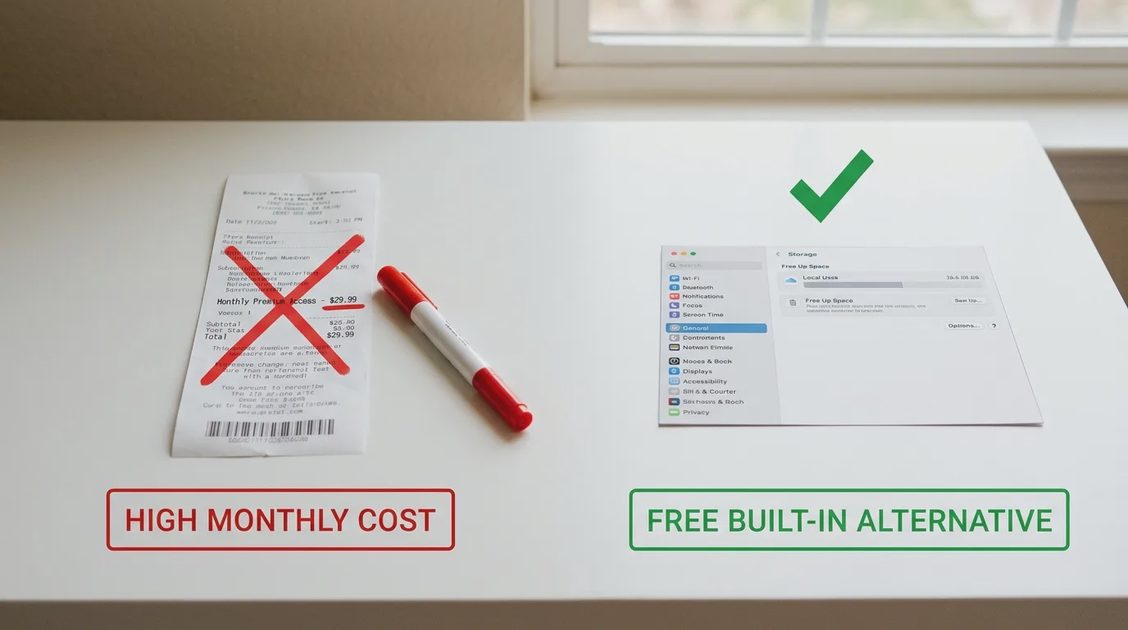
Before buying a dedicated device or paid app, check whether a setting, a free tool, or a process change already solves 80% of the problem. Many “must-have” purchases are solutions looking for problems.
What to Do Instead of Buying
Saying no is only half the work. The useful half is redirecting that impulse toward higher-leverage actions.
Audit what you already own: List the devices and subscriptions you actually use every week. Everything else is a candidate for retirement or sale.
Fix the existing setup: Clean storage, update software, replace a worn battery, or reorganize the charging station. Small maintenance often restores the feeling of “new.”
Improve habits first: Notification resets, password systems, and simple filing rules usually deliver more daily calm than any new gadget.
Wait intentionally: Put the product on a 30-day list. If you still want it after a month of living without it, the desire is more reliable.
Buy for longevity when you do buy: When a purchase is truly needed, choose repairable, well-supported devices over disposable ones. The goal is fewer future purchases, not more.
These steps are less exciting than unboxing, but they compound. A household that regularly declines unnecessary technology ends up with a quieter, cheaper, and more coherent stack.
Who This Advice Is For (and Who Should Ignore It)
This framework works well for:
Families managing multiple devices and shared accounts
Remote and hybrid workers who already have a functional setup
Anyone feeling decision fatigue from constant upgrade pressure
People who notice their technology is creating more maintenance than value
It is less relevant if:
Your current device is genuinely failing or unsupported
Your work requires specific performance that older hardware cannot deliver
You derive genuine enjoyment from exploring new tools and the cost is fully intentional
There is nothing wrong with buying something because you want it and can afford it. The problem arises when the purchase is driven by manufactured urgency rather than real need.
Frequently Asked Questions
Is it ever smart to buy the newest phone or laptop right away?
Sometimes. If your current device is failing, security updates have ended, or your work requires capabilities the old hardware cannot provide, upgrading is practical. The key is confirming the need is real, not marketing-driven.
What if I already bought something I barely use?
Treat it as data. Sell it, gift it, or recycle it responsibly, then note what triggered the purchase so the pattern is harder to repeat. Most people learn more from one regretted buy than from a dozen reviews.
Does this mean I should never try new technology?
No. It means new technology should earn its place through demonstrated usefulness, not through launch-day excitement. Testing with clear criteria is different from collecting devices.
How do I know when “good enough” has become “not enough”?
When a device starts blocking real work or daily tasks more than once a week, or when security and support have officially ended, it has crossed the line. Occasional slowness or missing a minor feature does not count.
Closing Thought
The sensible stack is not the one with the most impressive specs. It is the one that quietly supports your actual life without demanding constant attention, money, or decisions.
Most of the time, the technology you already own is closer to that standard than the next thing on the shelf. Making it earn its place—and declining the rest—is one of the highest-leverage decisions you can make.
Technology should reduce friction, not create more of it. Sometimes the cleanest way to keep that promise is to leave the shopping cart empty.