Most of us treat notifications like background noise we just accept. I used to. Then I counted them.
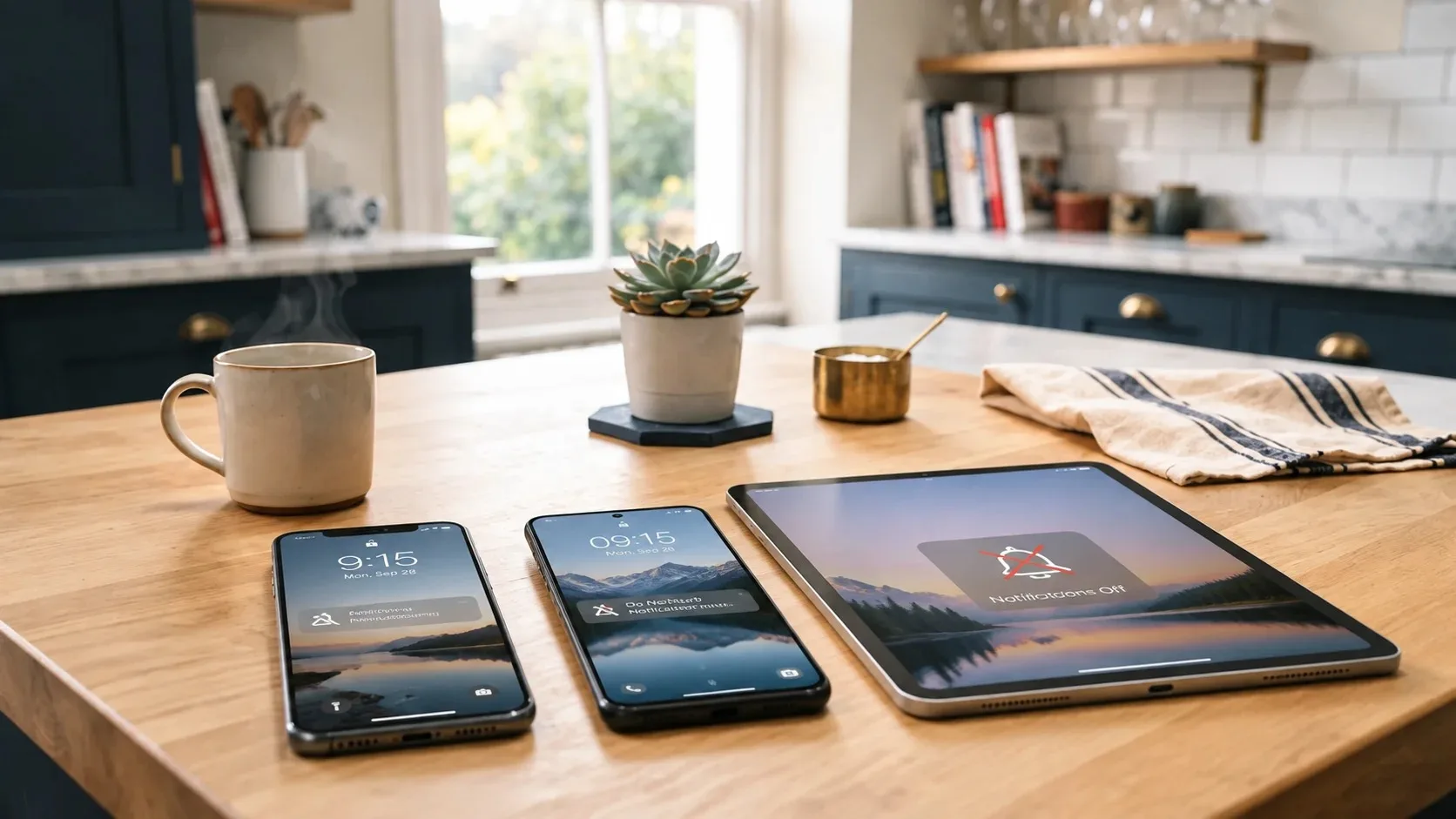
One ordinary Tuesday, between 7 a.m. and 9 p.m., my phone, my wife’s phone, and our shared family tablet generated 214 notifications. Only 11 of them required any action that day. The rest were marketing, social updates, app tips, weather alerts we already knew, and the quiet accumulation of digital clutter that makes a calm evening feel slightly harder than it should.
So we did a family notification reset.
This is not a minimalist manifesto or a challenge to go completely silent. It is a practical record of what one household (two adults, one energetic child, one home office, and the usual mix of Apple and Android devices) actually turned off, what we kept, and what changed after two weeks of living with the new rules.
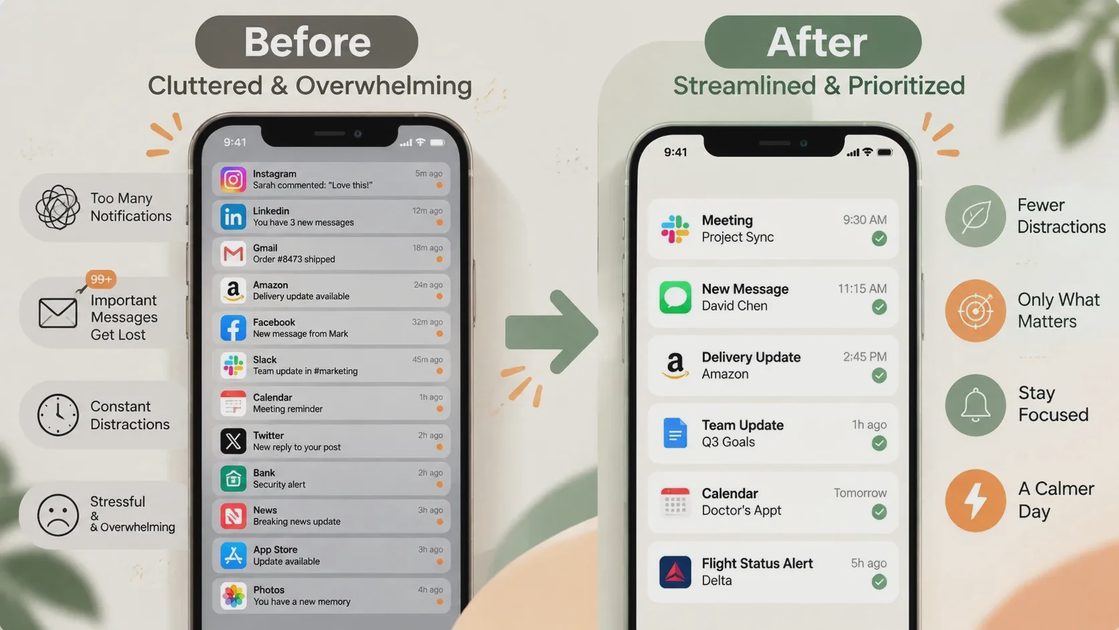
Bottom line: We cut total daily notifications by roughly 70 percent. The house feels quieter. Important messages still get through. And nobody has missed anything that mattered.
Why We Needed a Reset
Notification overload is rarely dramatic. It is cumulative. Every app wants a little of your attention. Every service assumes you want to know about every update. Over months, the default settings quietly train you to check your phone more often than you intended.
In our house the symptoms showed up in three places:
Interruptions during homework or dinner that were almost never urgent.
A low-grade sense that something might be happening even when nothing was.
The extra mental load of deciding, dozens of times a day, whether a banner or badge was worth looking at.
I work as a digital lifestyle consultant. I help other families reduce this exact friction. It felt hypocritical to leave our own devices in the default “everything is important” state.
How We Audited Every Notification Source
We spent one Saturday morning doing a full audit. The process was simple and took about 90 minutes.
1. On every device, we opened Settings → Notifications (or the equivalent).
2. We listed every app that had permission to send alerts.
3. For each app we asked three questions:
Does this information require immediate attention?
Would missing this for 24 hours create a real problem?
Is there a better way to get this information when we actually need it (email digest, calendar, shared list, or just checking the app deliberately)?
Anything that failed the first two questions was turned off or restricted to silent/badges only.
We treated shared family accounts the same way: the tablet in the kitchen, the smart display, and any shared calendars or shopping lists.
What We Turned Off (and Why)
Here is the actual list of categories and apps we silenced or heavily restricted.
Social and entertainment
Instagram, Facebook, TikTok, YouTube, Reddit: all banners and sounds off. Badges only if we still wanted a quiet count.
News apps and newsletters that pushed multiple times a day: turned off. We check them deliberately now.
Shopping and marketing
Amazon, Target, Costco, and every brand that sends “deals” or “items left in cart”: all push notifications off. Email remains if we want it.
Food delivery apps: order status only while an order is active. Everything else off.
Productivity and work tools that were too chatty
Slack and email clients on personal devices: no banners outside of designated work hours.
Project management and note apps: badges only. No sounds.
System and “helpful” suggestions
Most “Tips,” “Suggested for You,” and “New Feature” notifications from the operating systems themselves.
Weather apps that alerted for every small change. We kept severe weather only.
Fitness and health apps that celebrated every small milestone with a banner.
Smart home and connected devices
Routine status updates (“Your lights turned off as scheduled”).
Low-urgency battery or firmware messages that can wait until we open the app.
The principle was consistent: if the information can wait until we choose to look, it does not get to interrupt.
What Stayed On (and the Rules We Added)
We did not silence everything. Some notifications still earn their place.
Kept with sound and banners
Phone calls and texts from people in our Favorites or Emergency contacts.
Calendar alerts for the next 30–60 minutes (school pickup, appointments, shared family events).
Package delivery notifications from carriers (the ones that actually tell us when something is at the door).
Security camera and doorbell alerts that indicate someone is at the house.
Critical system alerts (low battery on a child’s device, failed backup, or actual security warnings).
Kept but restricted
Banking and two-factor authentication codes: banners on, but no marketing from the same apps.
Shared family shopping list and chore apps: badges and quiet updates only.
School and activity apps: only messages that require a response that day.
We also added two household rules:
1. No notification sounds after 8:30 p.m. except for phone calls and security alerts.
2. The kitchen tablet stays on Do Not Disturb for banners during meals and homework time. It still shows the calendar and shared lists when someone walks up to it.
These rules are more important than any individual toggle. They create predictable quiet windows.
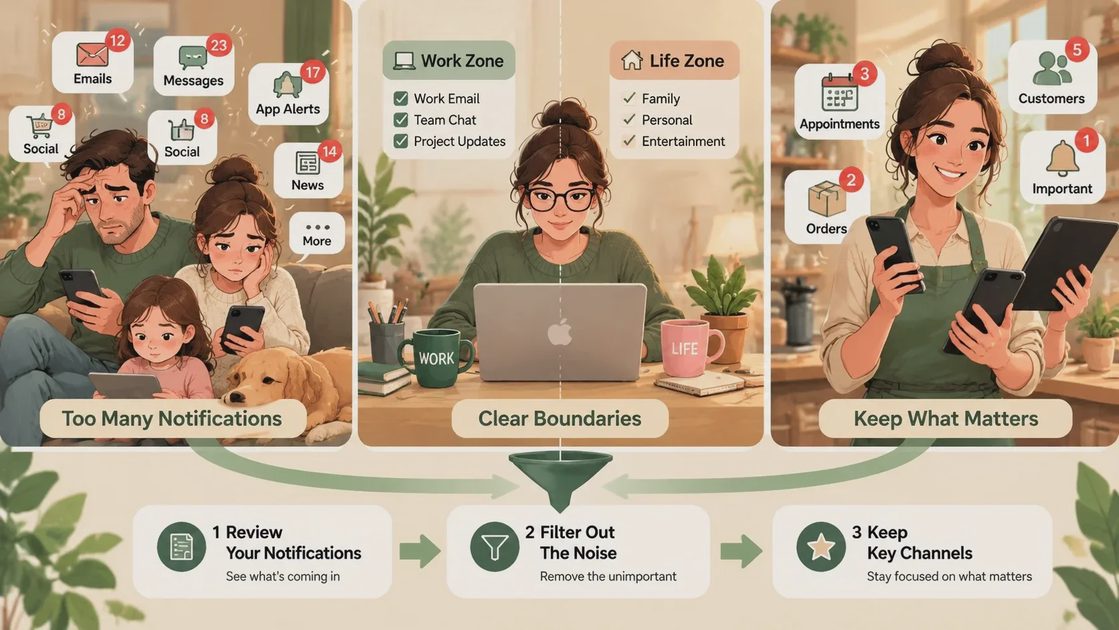
The Two-Week Results
After two weeks of living with the reset, the changes were measurable and subjective.
Average daily notifications across the three main devices dropped from the 200+ range to roughly 50–65. Most of those remaining were either useful or deliberately chosen.
We checked our phones less often during evenings and weekends. The urge to “just see if anything happened” decreased because less was happening in the notification shade.
The child adapted faster than expected. Once the tablet stopped lighting up with unrelated alerts, it became a calmer shared screen again.
No important messages were missed. The few that mattered still came through the channels we protected.
The biggest unexpected benefit was psychological. The house felt less reactive. Technology stopped competing for attention as aggressively, which made it easier to decide when we actually wanted to engage with it.
A Simple Weekend Plan You Can Copy
You do not need a full day. One focused hour is enough for most households.
Saturday or Sunday morning (60–90 minutes)
1. Gather every device that sends notifications (phones, tablets, shared screens).
2. Open the notification settings on each one.
3. Turn off or restrict everything that fails the two-question test: “Does this need me right now?” and “Would missing it for a day cause a real problem?”
4. Protect the short list of channels that still matter (calls, texts from key people, calendar, security, critical deliveries).
5. Set one or two household quiet windows (meals, evenings, homework).
6. Live with the new settings for a week before adjusting. Most people over-correct the first time and then fine-tune.
If you share devices or accounts, do the audit together. The conversation itself is useful. It surfaces which alerts each person actually values.
Who This Works For / Who Should Adjust It
This approach works well for:
Families who feel constant low-level interruption.
Remote or hybrid workers who need clearer boundaries between work alerts and home life.
Anyone who has noticed they check their phone more out of habit than need.
You may need to keep more notifications if:
Your job requires real-time response outside normal hours.
You manage medical, caregiving, or safety-critical alerts.
You run a small business that depends on immediate customer messages.
In those cases, the same audit still helps. Just protect a longer list of high-value channels and be stricter with everything else.
Make the Technology Earn Its Place
Notifications are a design choice, not a law of nature. Most apps default to “interrupt often” because attention is valuable to them. That does not mean it has to be valuable to you on their terms.
Our family notification reset did not require new apps, paid tools, or dramatic lifestyle changes. It required one deliberate audit and a willingness to decide, app by app, whether the interruption was worth the cost.
Two weeks later, the house is quieter. The important messages still arrive. And the devices feel a little more like tools we control rather than sources of constant low-grade demand.
If your notification shade feels heavier than it should, try the same reset this weekend. Keep what earns its place. Turn the rest off. Then notice how the days feel.