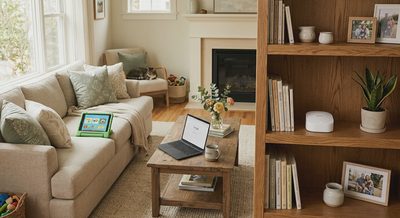
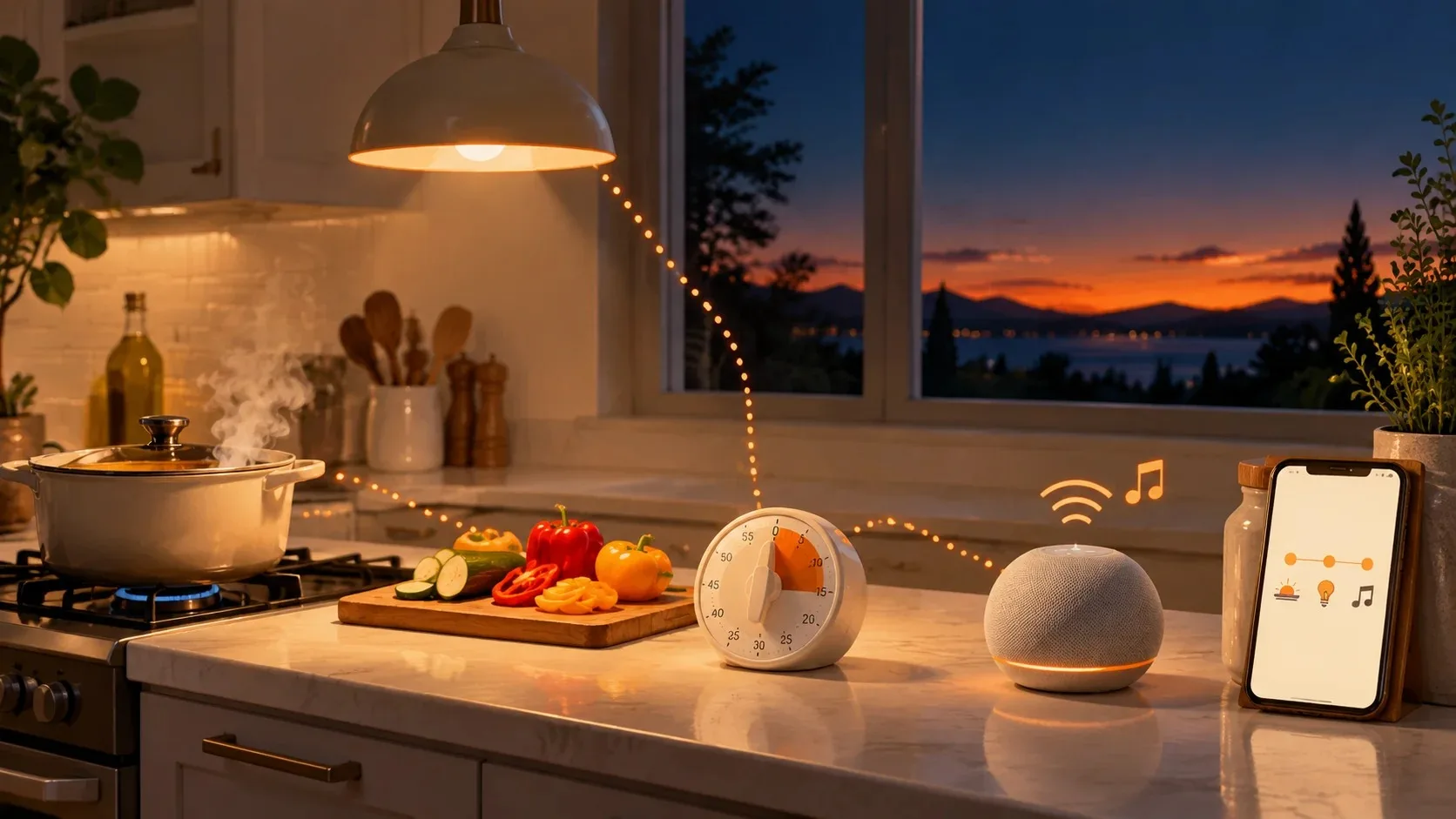
In our home, smart technology is less about building an impressive system and more about removing a few recurring annoyances. We use a small mix of connected lights, a smart speaker, and app-based routines rather than trying to automate every room.
After living with these devices for a while, the useful features became fairly easy to separate from the ones that looked better in the setup app than they felt in everyday life.
How this was put together: the "we" in this piece is our own everyday use, not a lab test or a controlled comparison. Where I lean on outside research or other owners' reports, I say so.
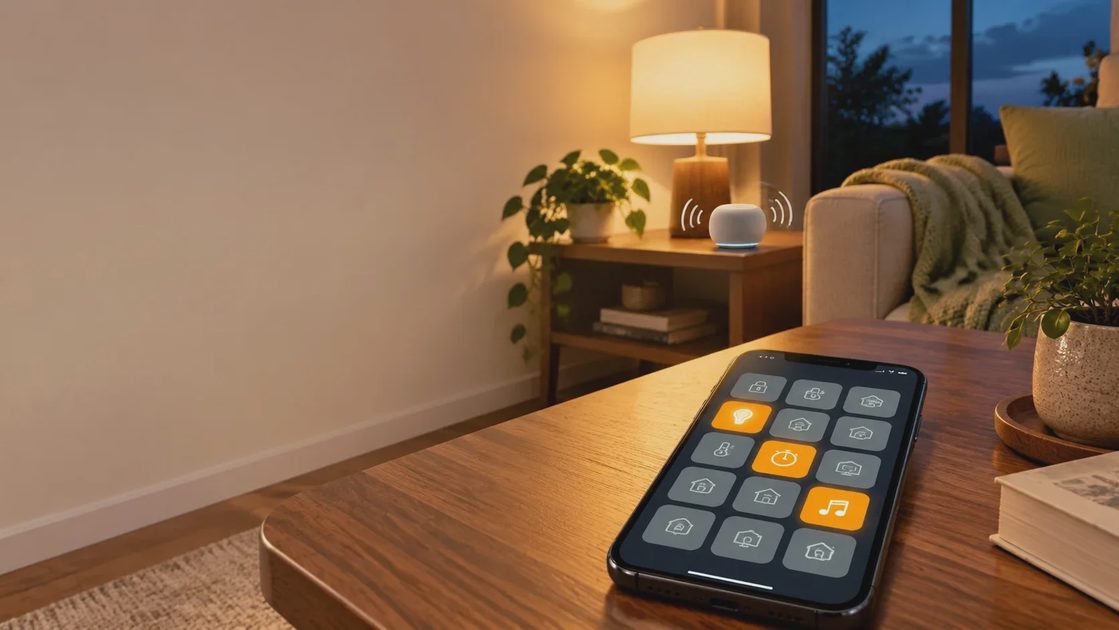
What we kept: features that support routines we already had
The features we kept are not exciting. They are simple lighting control, timers, music, and a small number of dependable automations. Each one supports something we were already doing. None of them asked us to build a new habit.
That matches what researchers see elsewhere. Nielsen Norman Group ran a two-week diary study with 10 participants and more than 120 logged interactions. Small time savers, like starting a coffee machine from bed with a smart plug or turning on lights by voice while carrying laundry, made devices feel worth having. Speaker data points the same way: a 2025–26 compilation of Statista figures lists music (about 86%), questions (about 83%), and weather (about 72%) as the top speaker uses, well ahead of controlling other devices.
The pattern is easy to state. A feature earns its place when it removes a chore you already have and keeps working without you thinking about it.
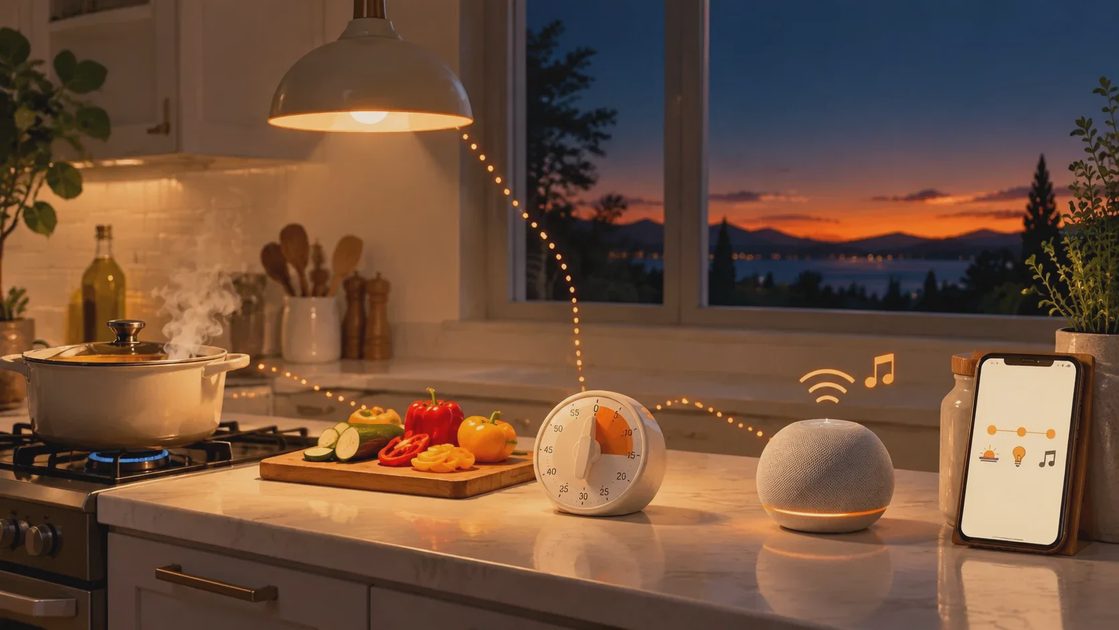
What we stopped using: features that needed checking or troubleshooting
We dropped the features that required regular checking or troubleshooting, even when they looked impressive during setup. That was the clearest dividing line in our house. If a feature needed us to open an app, look at a status, or fix something on a schedule, it slid out of use, whatever the demo promised.
Other owners and researchers describe the same drift:
Data without a next step. In the NN/g study, one participant with an energy-monitoring app had taken no action on its readings. The bars and levels were hard to interpret, and there was no sense of what a good day looked like. The researchers' advice for simple devices like bulbs and plugs is fast, reliable control, not analytics.
Alerts that only report. The same study found alerts valuable when they said what was wrong, why it mattered, and what to do. An alert that only announces something happened is more noise.
Smart versions of appliances that were fine already. According to owner complaints collected by BGR, smart washing machines rarely justify their higher price, and out-of-warranty repairs can cost about as much as a new unit. Smart toasters and kettles get a similar verdict. We did not try these, so this is other owners' experience, not ours.
The market shows the same caution. US smart-speaker ownership has stalled near 35% of people 12 and older for four straight years, and in one survey, 31% of respondents named "unnecessary to own" as a roadblock to adoption.
A three-question test
Does it remove a task I do every week? If you can't name the task, the feature is decoration.
Does it work without me checking on it? If it needs regular attention or troubleshooting, expect to stop using it.
Does it tell me what to do, or only what happened? Only the first kind deserves your notifications.
A weekend audit
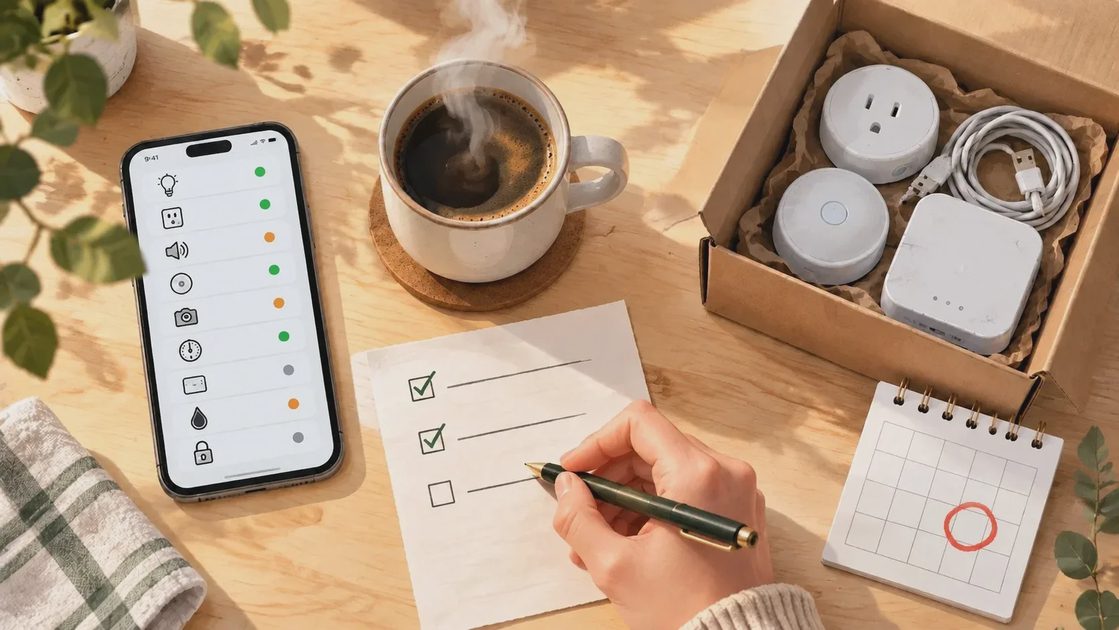
You can do this in about an hour on one weekend morning. Nothing gets changed until the last step, so there is no risk in starting.
Step 1: List everything
Open your main smart-home app and write down every device, every room, and every automation, routine, or scene. Then look outside that app. Plugs, cameras, and hubs often live in their own brand apps, and those are the ones people forget. Check your app-store subscriptions and search your email for receipts while you are at it; you are building a full inventory, not a tidy one.
Step 2: Sort each item into one of three groups
Group | What it means | What to do |
|---|---|---|
Used this week | It is part of a routine now | Keep it. Note what makes it reliable, because that is what to look for next time you buy. |
Used this month | It works, but you do not reach for it | Ask the hard questions below. |
Can't remember | You could not say when you last used it | Start a 30-day deadline: use it or remove it. |
Be honest about "this week." A feature that ran automatically in the background counts only if you would notice it missing. If you would not, it belongs in the second group.
Step 3: Ask hard questions about the middle group
Why only monthly? Seasonal is fine. Holiday lights or a heating schedule can earn a place even if you only use them a few months a year. Forgotten is not fine.
Would a physical switch, timer, or habit do the same job? If a basic timer replaces it, the smart version has to justify the extra setup and upkeep.
What does it cost me besides money? Count the app you have to open, the alerts you have to read, and the troubleshooting you put up with. Those costs often matter more than the price tag.
Would I buy it again today? If the answer is a hesitant maybe, treat it like the third group.
Step 4: Put a real deadline on the third group
Add a calendar reminder 30 days out. If you reach for the device before then, it goes back in the "used" group. If the date arrives and you have not, remove it. Removing it fully matters: unplug it, delete it from the app so it stops sending notifications, and delete any automation that depends on it. Devices left connected "just in case" keep collecting data and adding clutter to your app, so they are not really retired. Once it is clear, sell it, donate it, or recycle it.
Step 5: Check subscriptions and alerts
For each device, look for a paid plan attached to it, such as camera cloud storage or a premium app tier, by searching your card statements and app-store subscriptions by brand name. Ask whether you would pay that price for what you actually use, and check what the device still does without the plan before you cancel. If you are removing the device, cancel the plan the same day. While you are in each app, also turn off alerts you did not act on last month, and keep the ones that say what is wrong, why it matters, and what to do next.
What you should have at the end
A shorter device list, a handful of routines you can name, fewer notifications, and a clear number for what your smart home costs each month. Repeat the audit whenever you add a new device or feel the app getting crowded. Each pass should be quicker than the last.