Most smart-home devices arrive with a long list of features that sound useful on paper. Voice control, scenes, energy reports, presence sensing, AI suggestions, color-changing lights, camera alerts at 2 a.m. The marketing makes every capability feel essential.
In real households, something quieter happens.
After the initial setup and the first few weeks of novelty, only a small set of features keep showing up in daily life. The rest fade into the background—or get turned off entirely. This is not a failure of the technology. It is a useful filter.
Technology should reduce friction—not create more of it. The features that survive are usually the ones that remove a recurring decision or a small daily annoyance without demanding constant attention in return.
Here is what tends to stick in ordinary family homes, what quietly gets forgotten, and how to decide what is actually worth keeping.
What actually earned a permanent place
These are the categories of features that, across many ordinary households, keep getting used after the novelty wears off.
Reliable remote access and simple schedules
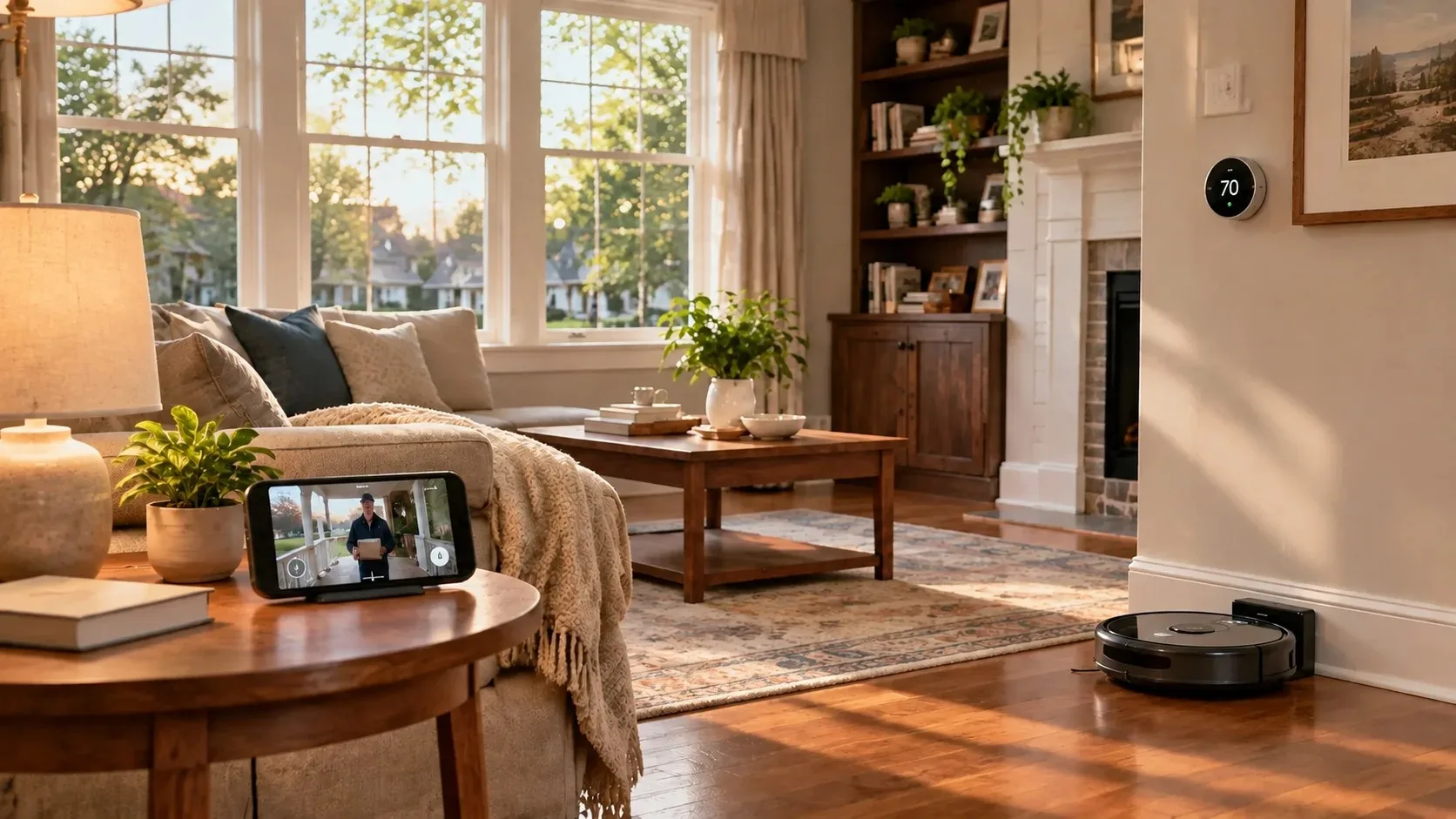
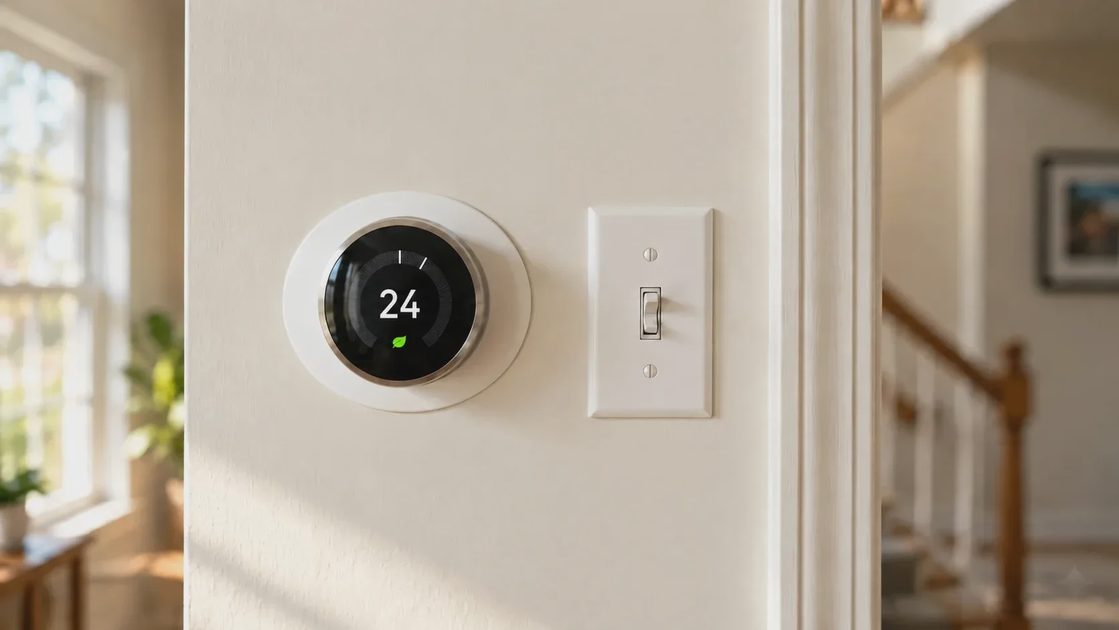
Being able to check or adjust the thermostat from somewhere else, or having it automatically shift temperature when the house is empty, remains one of the highest-value uses of smart technology. The same pattern shows up with a few well-placed smart plugs or switches that turn lights or small appliances on and off on a predictable schedule.
These features succeed because they remove a decision rather than add a new interface. You set them once (or occasionally adjust them) and then mostly forget they exist.
Video doorbells and basic security notifications
Video doorbells and a limited number of outdoor or entryway cameras consistently rank among the devices people continue to rely on. The core value is not advanced AI person detection or multi-camera analytics. It is the simple ability to see who is at the door and receive a timely alert when something happens near the entry.
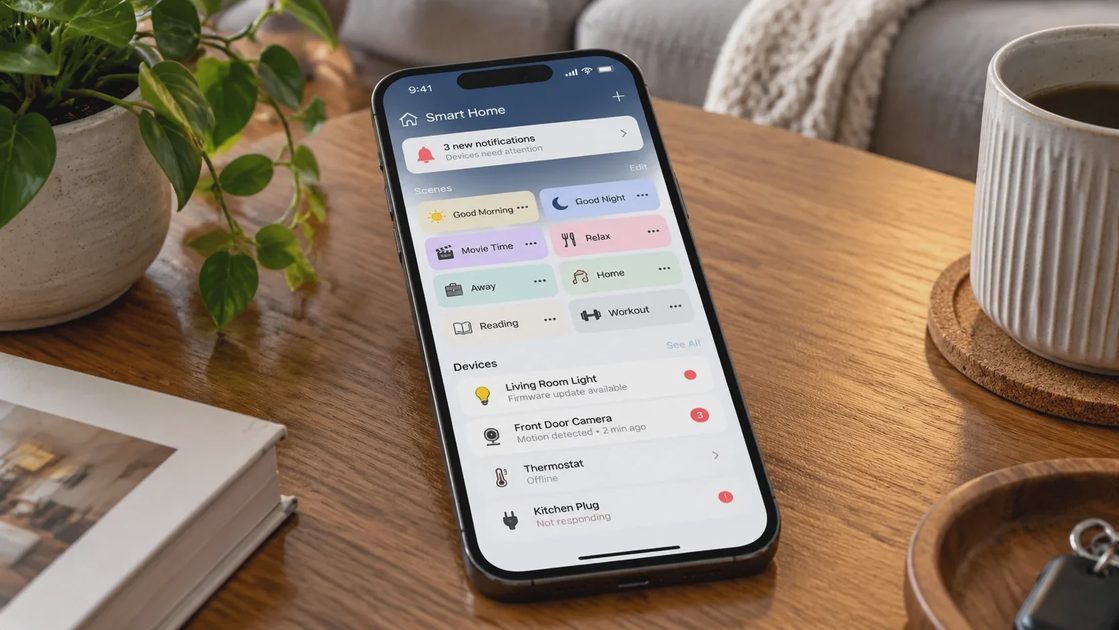
Many households eventually turn off secondary notifications or reduce sensitivity because constant alerts create their own friction. The core “someone is at the door” function usually remains.
Robot vacuums that actually run on a schedule
A robot vacuum that reliably leaves its dock, cleans the main living areas, and returns without constant intervention can remove a recurring chore. The feature that matters is not the most advanced obstacle avoidance or the highest suction number on the box. It is consistency: does it run when you expect it to, and does the maintenance stay manageable?
When the robot becomes another device that needs babysitting, usage drops.
A small number of predictable lighting and plug automations
A few lights that turn on at dusk, a hallway light that responds to motion at night, or a coffee maker that starts on a weekday schedule can feel genuinely useful. The key is restraint. Homes that try to automate every light often end up with systems that feel unpredictable or require constant overrides.
The features that survive are usually the ones that match existing habits instead of trying to redesign them.
The features that quietly disappeared
Many capabilities that looked promising during setup end up unused after a few weeks or months.
Complex multi-room scenes and color shows
Elaborate lighting scenes, synchronized music visualizations, and multi-room color changes are fun to demonstrate. In daily life they rarely survive. Families tend to settle on a small set of simple brightness and temperature preferences. The rest becomes unused configuration that still occupies space in the app.
Advanced energy dashboards and detailed usage reports
Seeing detailed energy data can feel empowering at first. Over time, many people stop checking the graphs. Without clear, actionable thresholds or automatic adjustments that actually change behavior, the information becomes another screen to ignore.
Voice control for everything
Voice assistants remain useful for a few high-frequency tasks—timers, music, weather, simple light control. Attempts to run the entire house by voice often fade. People discover that walking to a switch or using a phone is sometimes faster and less socially awkward, especially with children or guests in the house.
AI-powered suggestions and “hunches”
Features that try to learn your habits and proactively change settings can feel clever during the honeymoon period. In practice, incorrect assumptions or unexpected changes create more friction than they remove. Many households eventually disable or ignore these suggestions.
App-dependent controls for things that already had good physical interfaces
When a device requires an app for basic functions that a physical switch or button handled reliably, usage often drops. The smart layer becomes optional rather than essential.
Why some features stick and others don’t
The pattern is consistent:
Features that remove a recurring decision or chore tend to stay.
Features that add new decisions, new notifications, or new maintenance tend to leave.
Features that work reliably in the background survive longer than features that demand attention.
Features that the whole household can live with (including children and less tech-oriented family members) outlast features that only one person understands.
This is the practical version of the 30-day rule. After the initial setup excitement fades, what remains is usually the real value.
What this means for your next smart-home purchase
Before adding another device or enabling another feature, ask a few direct questions:
1. Does this remove a decision or chore we already deal with regularly?
2. Will it still be useful if the app is slow or the internet is down for a while?
3. How much ongoing maintenance or subscription cost does it introduce?
4. Can everyone in the household live with it, or does it require one person to manage it?
5. After 30 days of normal use, are we still actively using the main feature—or just the novelty ones?
If the answer to most of these is unclear, the technology has not yet earned its place.
A smaller set of reliable features almost always creates less friction than a large collection of impressive but rarely used capabilities.
Who this approach is for
This way of thinking works well for:
Families who want technology to stay in the background
People tired of devices that need constant management
Households trying to reduce digital noise and notification overload
Anyone who has bought smart devices that now sit mostly unused
It is less useful if you enjoy tinkering, building complex automations for their own sake, or treating the home as a continuous technology project. That is a valid preference—just a different one.
Make the technology earn its place
The smart-home features that last are rarely the ones that look most impressive in a product video. They are the ones that quietly remove friction from ordinary days and then get out of the way.
Start with the problems you already have. Keep only what continues to solve them after the novelty fades. Everything else can stay on the shelf—or better yet, never get purchased in the first place.
Technology should reduce friction—not create more of it.